Tags and properties
Group pages with nested #tags, give any page typed properties like Obsidian's frontmatter, and rename a property across every page at once.
Tags and properties are the two ways to describe a page beyond its title. A tag is a word in your text, such as #meeting, that groups pages by topic. A property is a typed field, such as a status or a due date, that you can sort, filter and search by. Both work on any page, not only on database rows.
Tag a page
Type # followed by a word anywhere in your text: #meeting, #reading. Use / to nest tags, as in #project/atlas and #project/northwind; searching or filtering by #project then finds both.
A tag cannot be made only of numbers, so #2026 stays ordinary text. You can also list tags in a page's tags property, which is where they land when you import Markdown with frontmatter.
Browse your tags
The Tags section of the Pages sidebar (and of a page's Links panel) lists every tag in your pages, nested the way you wrote them, with the number of pages under each. Search it to find a tag, and click one to see its pages.
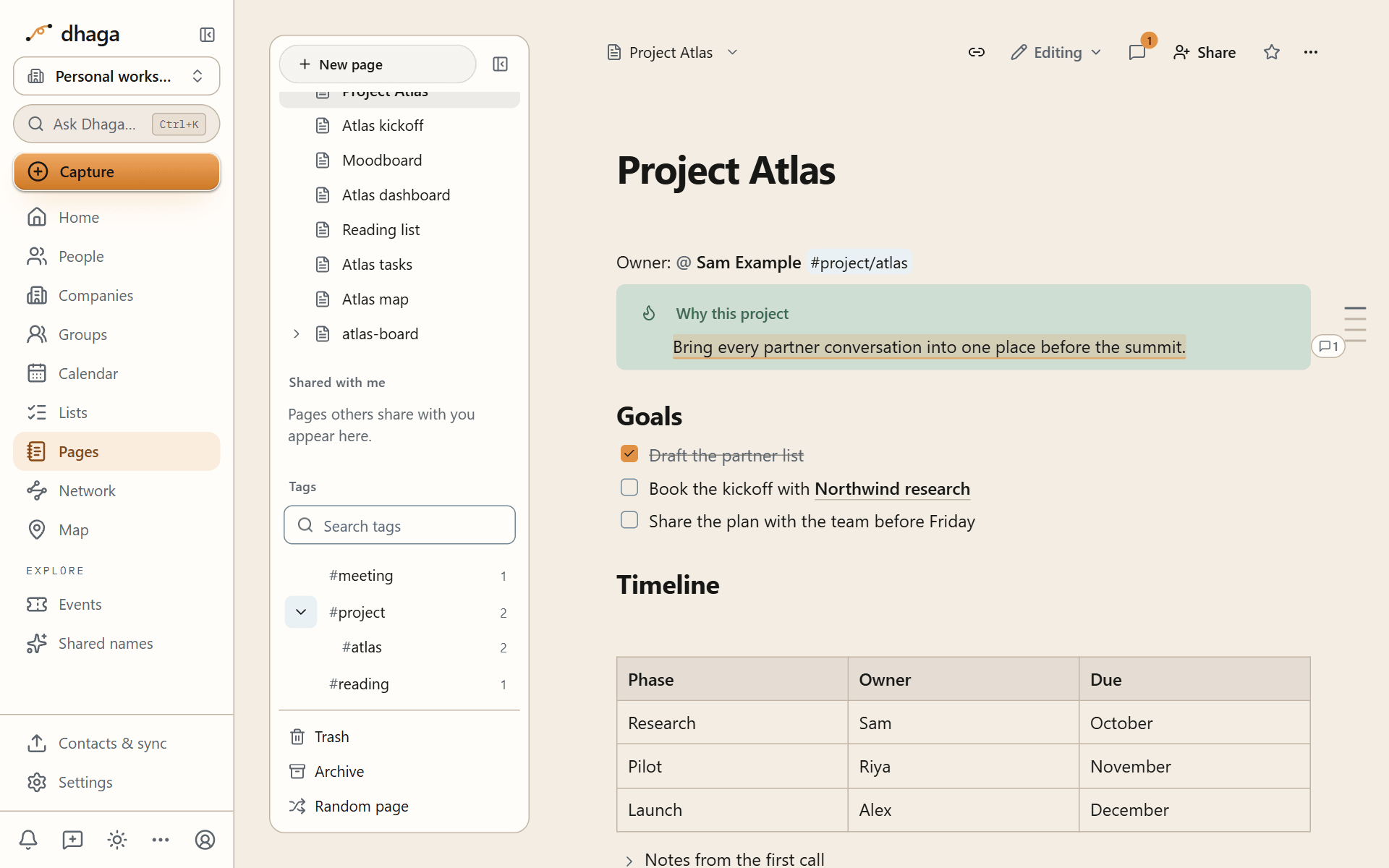
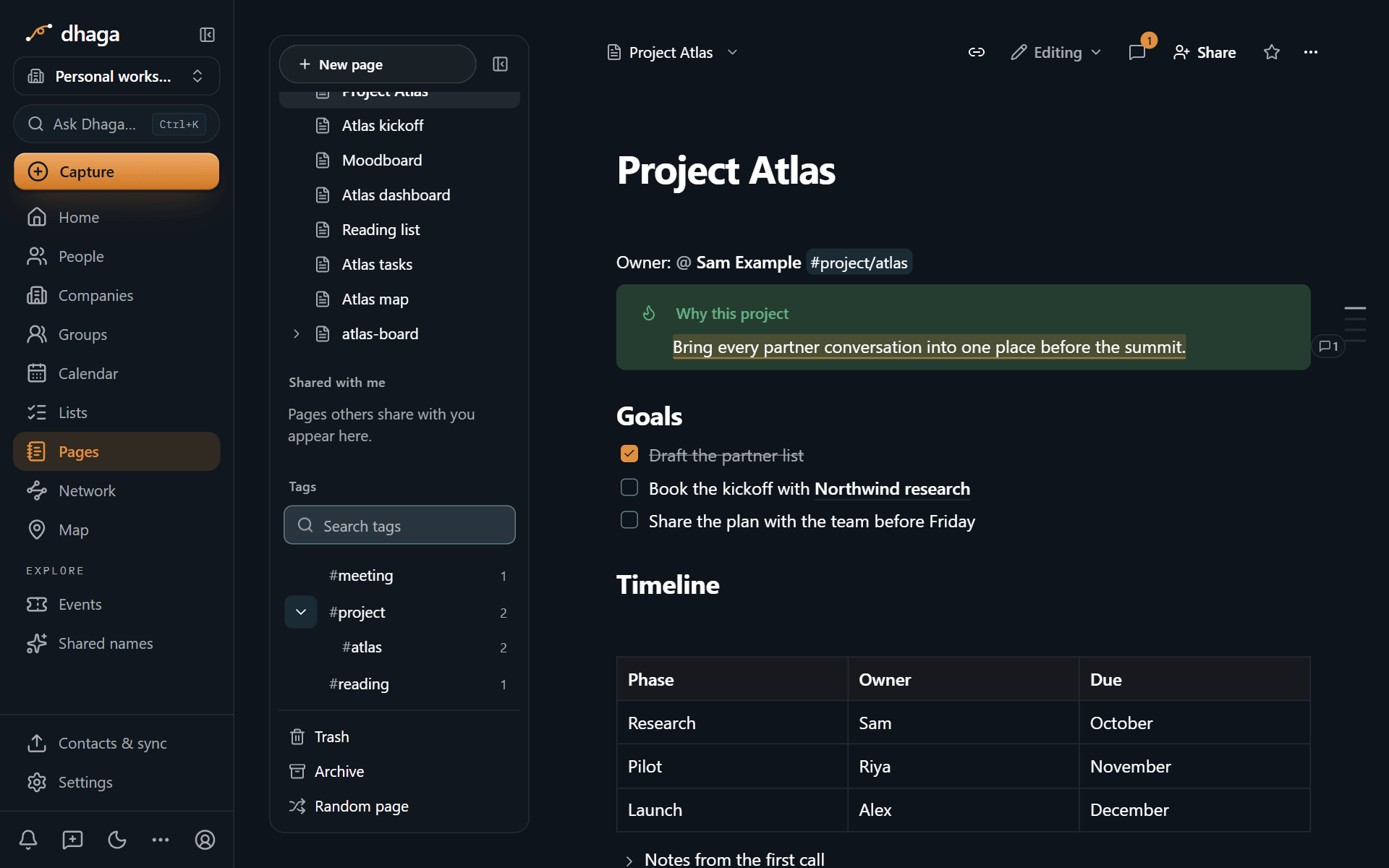
Dhaga's own Tags page (/app/tags) lists your contact tags and, in a separate section below, your page tags. See Tags for how contact tags work.
In search, tag:#project/atlas finds pages with that tag. See Search operators.
Add properties to a page
Properties sit under the page title. Choose Add property (it appears when you hover the title area, and is always shown on touch screens), give it a name and a type, and set its value. The Page info sheet lists the same properties but read-only. A property has a name, a type and a value, for example Status (a select) set to "In progress", or Due (a date) set to next Friday.
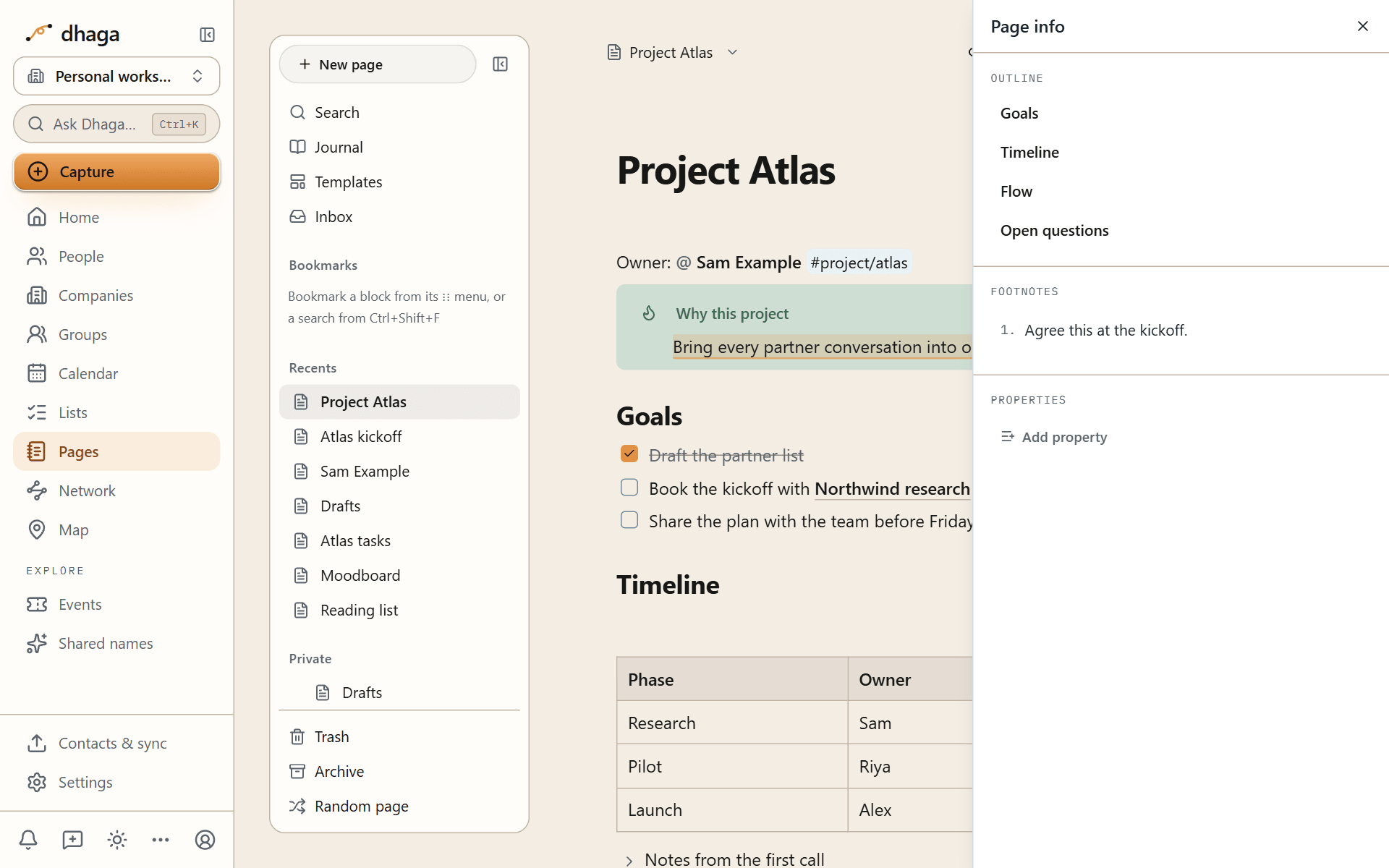
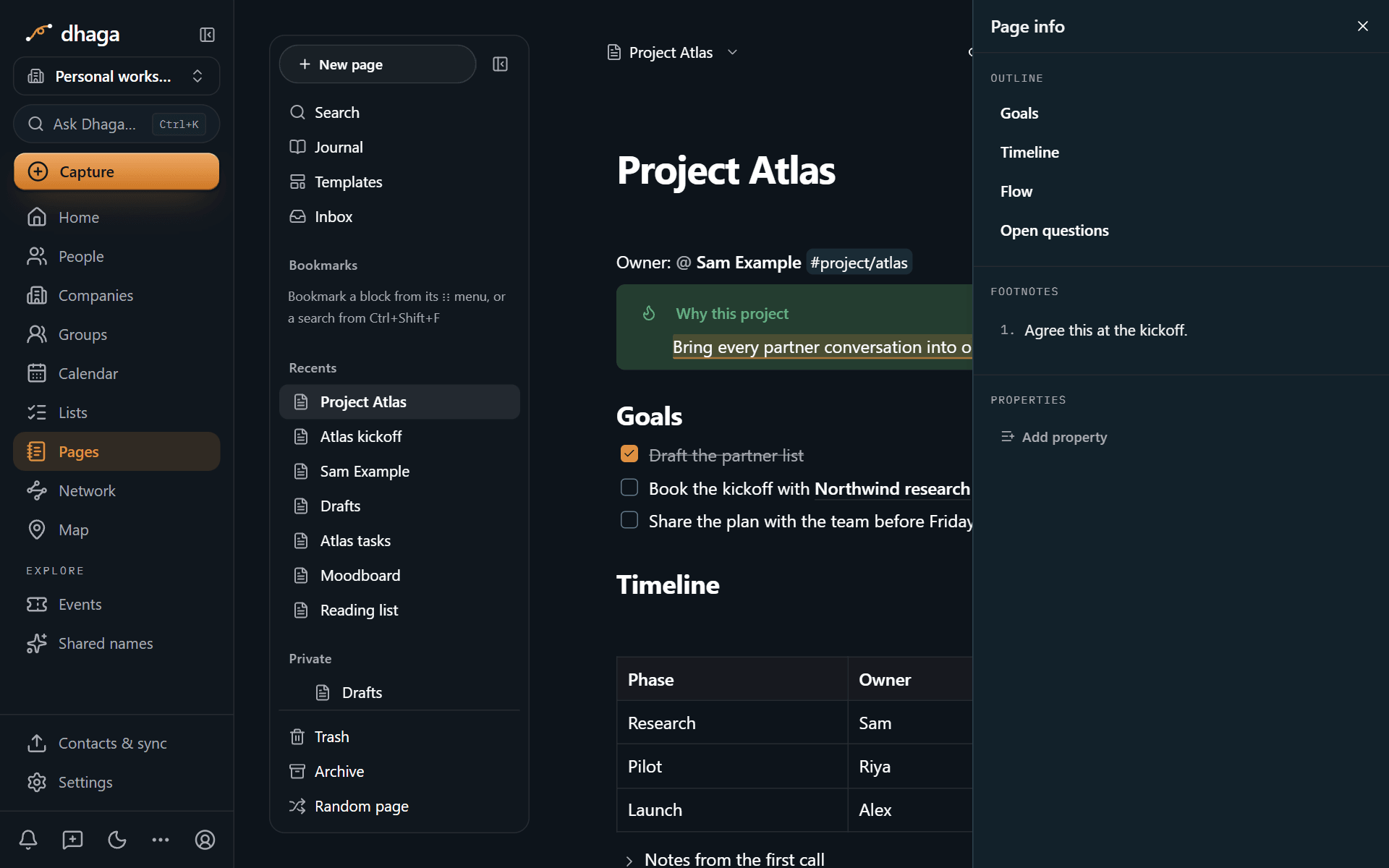
Any page can use these property types:
| Type | Holds |
|---|---|
| Text | Any text |
| Number | A number |
| Checkbox | Yes or no |
| Date | A day |
| Date and time | A day and a time |
| List | Several short values |
| Tags | Tags, the same as #tags in the text |
| Aliases | Other names for the page, used by links and search (see aliases) |
These are the same types Obsidian uses for frontmatter. Databases add more, such as select, status, relations, rollups, formulas, people and places.
Rename or delete a property everywhere
A property name means the same thing on every page. Choose Manage properties under the title to see every property name you use and how many pages carry it. Rename everywhere and Delete everywhere apply to every page that uses it, and you can change its type there too. Database properties belong to their database and are changed there.
Properties and Markdown
When you export a page as Markdown, its properties become YAML frontmatter at the top of the file, the format Obsidian reads. When you import Markdown, frontmatter becomes properties. Nothing is lost in either direction; see Import and export.
---
status: In progress
due: 2026-11-06
tags:
  - project/atlas
aliases:
  - Atlas
---