Media and embeds
Add images, GIFs, video, files, PDFs, bookmarks and embeds to a page. Files are up to 4 MB each, and embeds load only when you click them.
Pages holds images, GIFs, short videos, files and PDFs, and shows bookmarks and embeds from other sites. Each file can be up to 4 MB and is stored with your account. Anything from another site, such as a YouTube video or a Figma file, loads only when you click it, so opening a page never tells a third party you are reading it.
Add an image
Any of these adds an image block:
- Paste an image you copied.
- Drag an image file onto the page.
- Upload one with
/image. - Paste an image's web address on an empty line. Dhaga copies a PNG, JPEG, WebP or GIF into your page if it is 4 MB or smaller, so the page never depends on the other site again. A larger image, or one Dhaga can't copy, stays a link that loads when you click it.
Large photos are scaled down before they upload, which keeps them under the limit and your storage small.
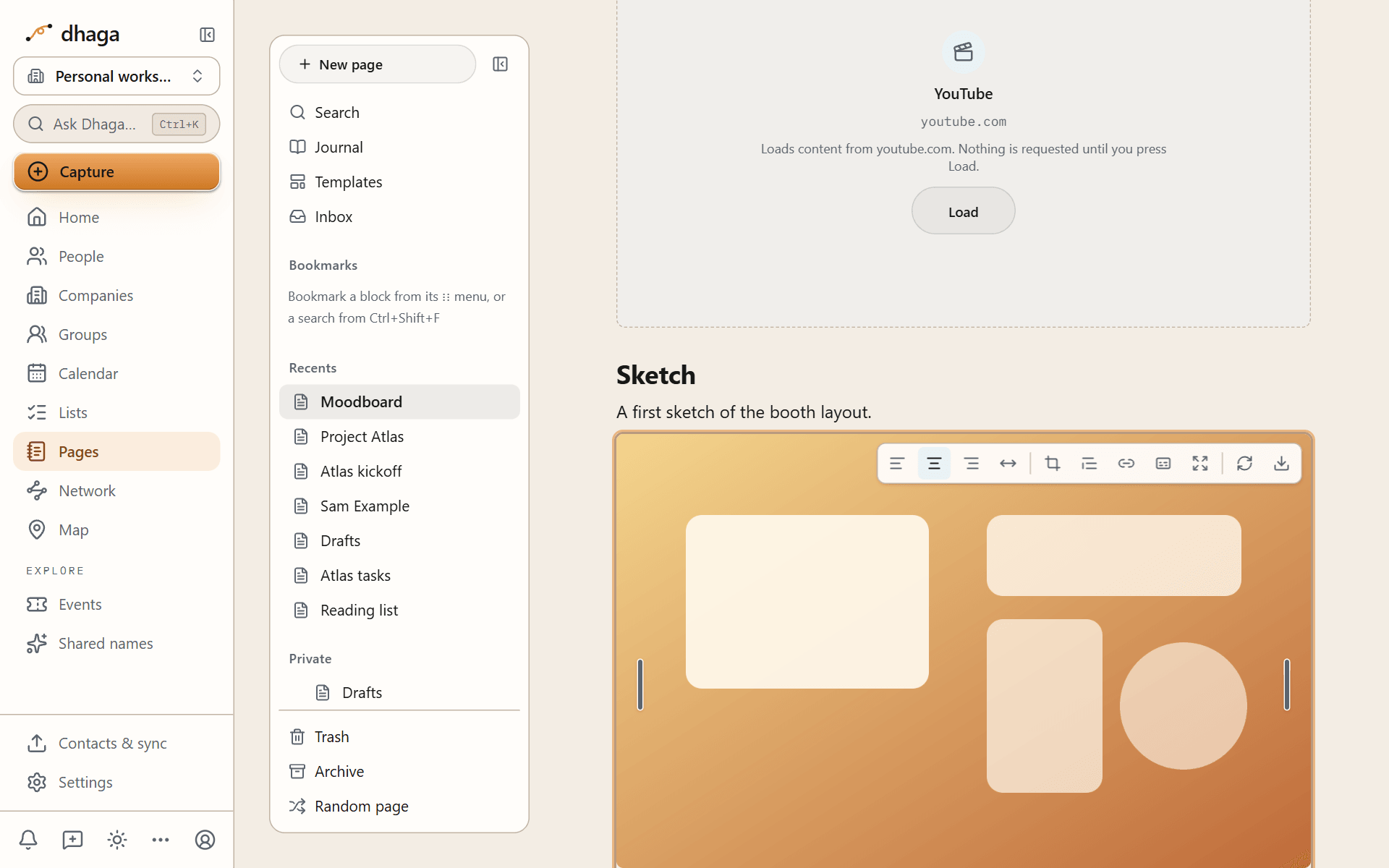
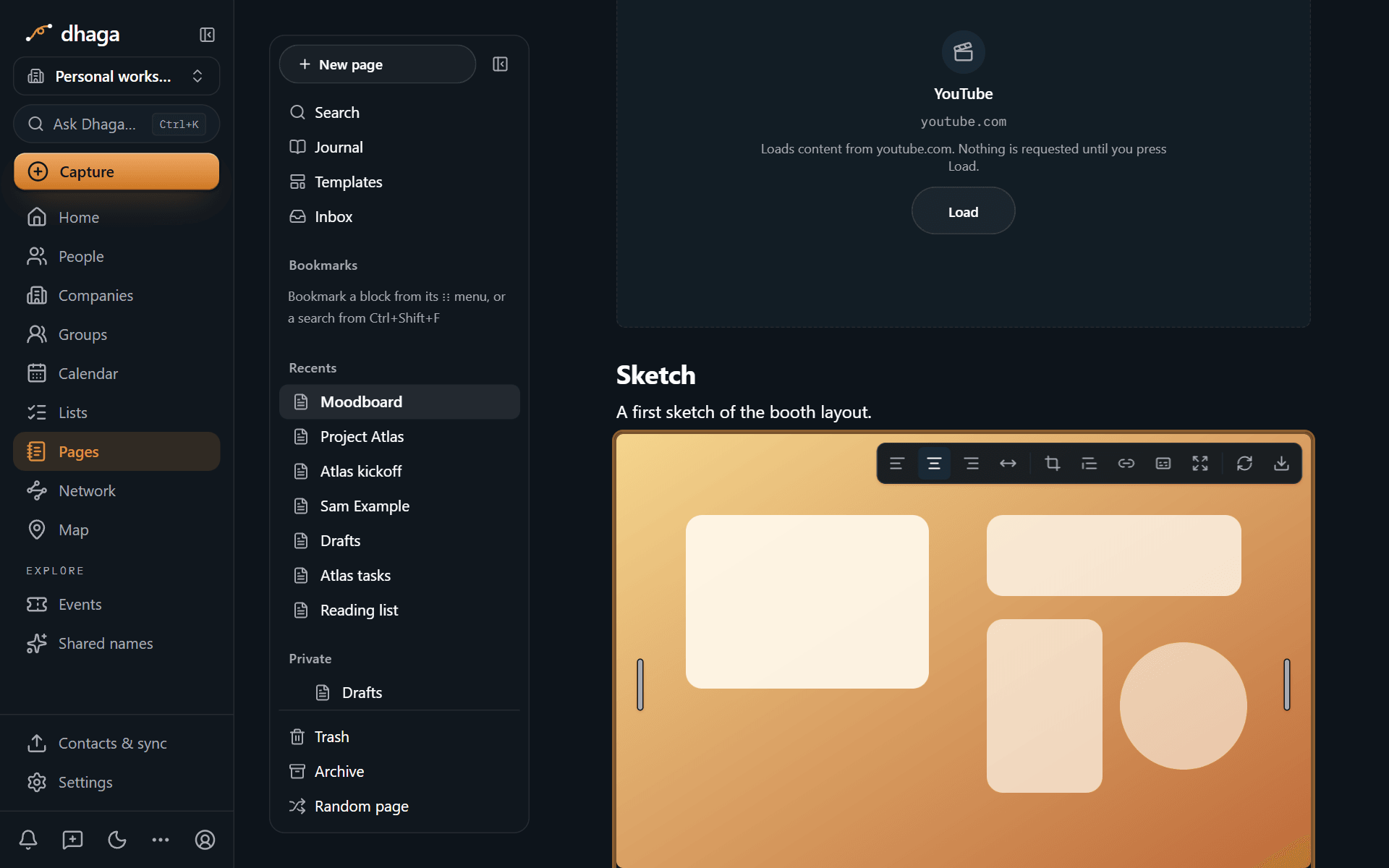
Select an image to work on it:
- Resize: drag the handles on either side.
- Align: left, centre, right or full width.
- Caption and alt text: the caption shows under the image; alt text describes it to screen readers and is kept in exports.
- Crop: trim the edges.
- Link: make the image open a page or a web address when clicked.
- View full size: click the image to open it in a lightbox.
Add a GIF
Paste, drag, upload or link a GIF the same way as an image. Pages keeps the animation exactly as it is, byte for byte, and makes a still frame for it in your browser.
If your device is set to reduce motion, GIFs stay on their still frame until you click them.
A GIF over 4 MB can't be uploaded. Paste its web address instead, or pick it from GIPHY.
GIPHY: type /gif to search GIPHY from inside the page. Your search goes to Dhaga's server, which asks GIPHY, so GIPHY never sees what you type. The result previews do load from GIPHY while the picker is open, so GIPHY can see your IP address then. A GIF you pick is shown with GIPHY's attribution and, like any embed, loads when you click it. If you would rather GIPHY GIFs load straight away, turn on Always load GIPHY GIFs for me; it is off until you choose it, and you can turn it off again from any GIPHY GIF.
If the picker says GIF search isn't set up on this server yet, GIPHY is not switched on where your Dhaga runs. Uploading and linking GIFs still work. In the same way, bookmarks say Link previews aren't connected here yet when the preview service isn't set up.
Add video, files and PDFs
- Video: upload an MP4 or WebM file of up to 4 MB with
/video, or paste a YouTube, Vimeo or Loom address to embed it. Any other video format is attached as a file instead of playing on the page. For anything longer, upload it to a video host and embed it. - File: attach any file of up to 4 MB with
/file. Readers download it. - PDF:
/pdfshows a PDF in a viewer on the page. Drag the handle to set its height. A PDF written in Markdown as![[file.pdf#page=3]]opens at page 3.
Images, GIFs, videos and PDFs open in the page. Every other file type, including SVG images, is always downloaded rather than opened, because a file that runs in the browser could act as you.
Bookmarks
Paste a web address and choose Bookmark (or use /bookmark) for a card with the page's title, description and image. Dhaga's server fetches that information once and copies the image into your page, so later visits to your page never contact the site.
Spotify and SoundCloud links always become bookmark cards. Pages has no audio player.
Embeds load when you click them
Paste a web address and choose Embed, or use /embed. Pages recognises these services and embeds them the way each one supports:
| Service | Examples |
|---|---|
| Video | YouTube, Vimeo, Loom |
| Design and whiteboards | Figma, Miro, Canva, Excalidraw |
| Maps, Docs, Sheets, Slides, Forms, Drive | |
| Code | GitHub Gist, CodePen, CodeSandbox |
| Other | X (Twitter), Airtable, Calendly |
Other sites that publish an embed (oEmbed) work too, and any other https address can be shown in a generic frame.
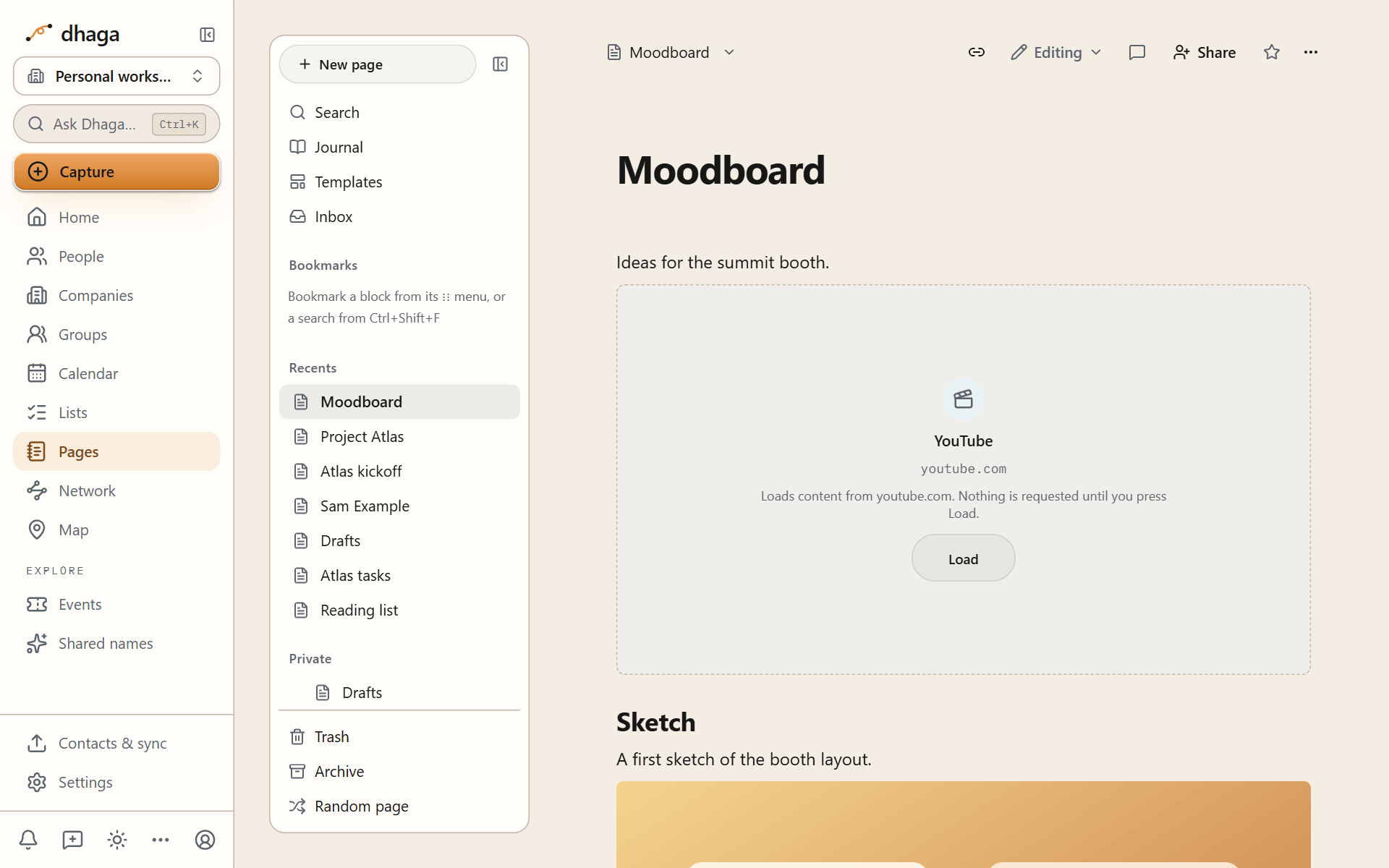
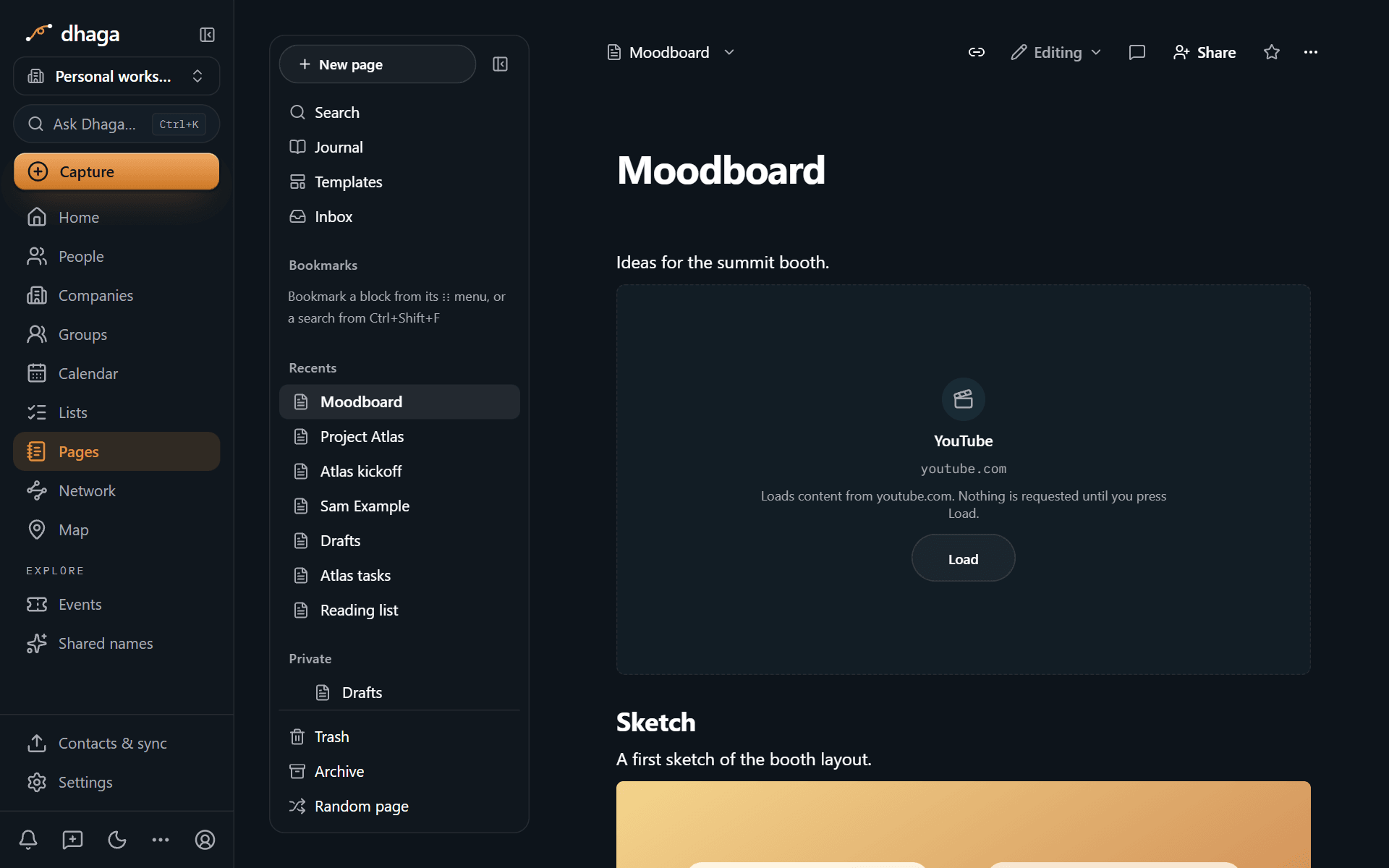
Every embed starts as a card that names the service and the address. Nothing is fetched from the other site until you press Load. That is deliberate: loading an embed sends your IP address, and often a cookie, to the company behind it. The same rule applies to everyone who opens a page you published, signed in or not. Once loaded, the embed runs in a locked-down frame that can't read your Dhaga session and isn't told which page it sits on.
Storage
Each file can be up to 4 MB. Your plan sets how much you can store in total across all your pages:
| Plan | Storage for page files |
|---|---|
| Free | 50 MB |
| Pro | 1 GB |
| Power and Team | 5 GB |
When you reach the limit, uploads stop with a message saying so; nothing already stored is removed. Delete pages or files you no longer need, or see Limits and plans.
When you delete a page that has files, Pages asks whether to delete the files too.
Tags and properties
Group pages with nested #tags, give any page typed properties like Obsidian's frontmatter, and rename a property across every page at once.
Drawings and canvas
Sketch inside a page with a drawing block, lay out ideas on an infinite canvas of cards and lines, and move canvases to and from Obsidian as JSON Canvas files.