Drawings and canvas
Sketch inside a page with a drawing block, lay out ideas on an infinite canvas of cards and lines, and move canvases to and from Obsidian as JSON Canvas files.
Some thinking doesn't fit in lines of text. A drawing block puts a hand-drawn sketch inside a page. A canvas is a page of its own: an open board where you place cards for pages, notes, images and websites, and join them with lines. Canvases use the open JSON Canvas format, so a canvas from Obsidian opens in Pages and exports back to the same format.
Sketch with a drawing block
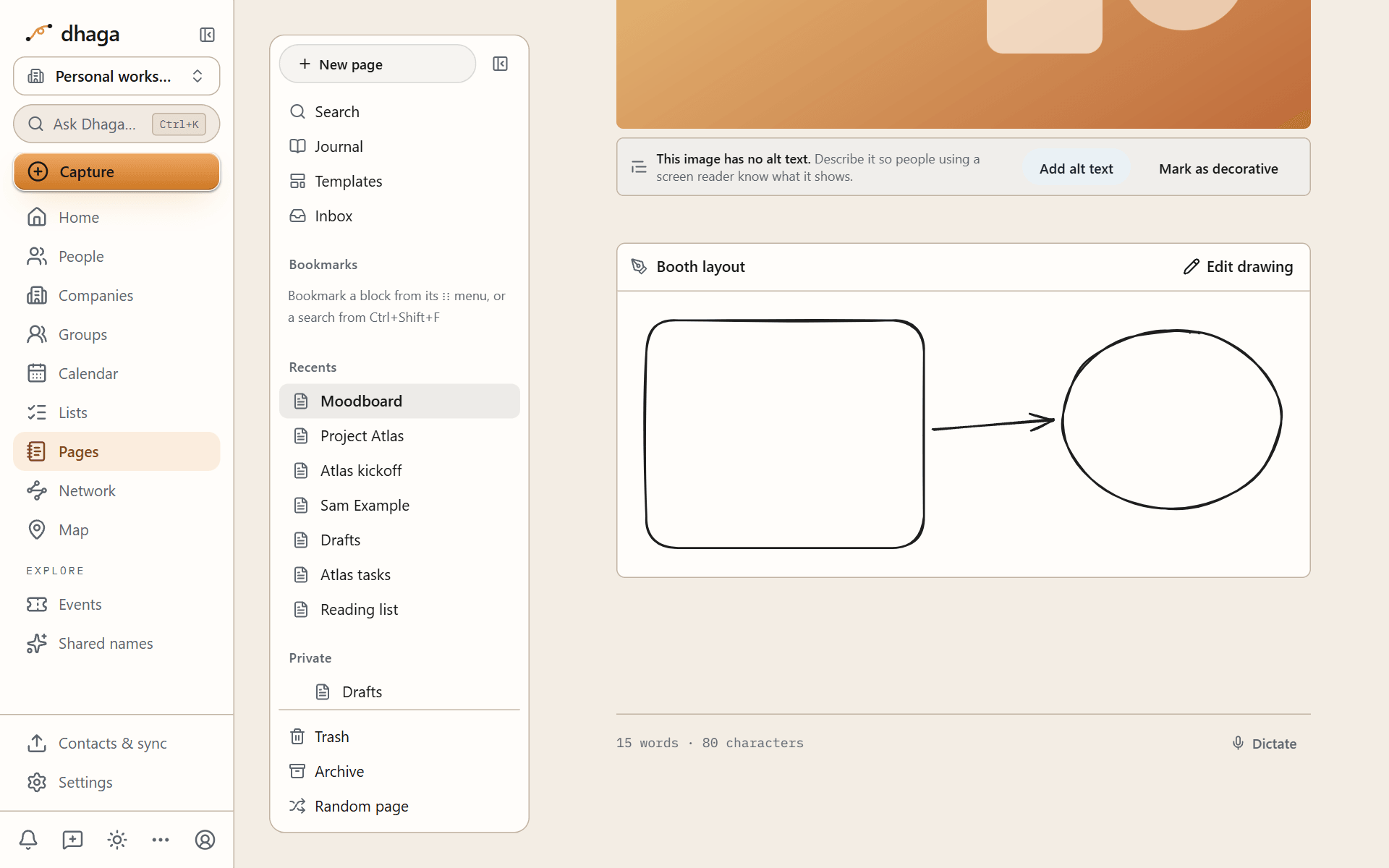
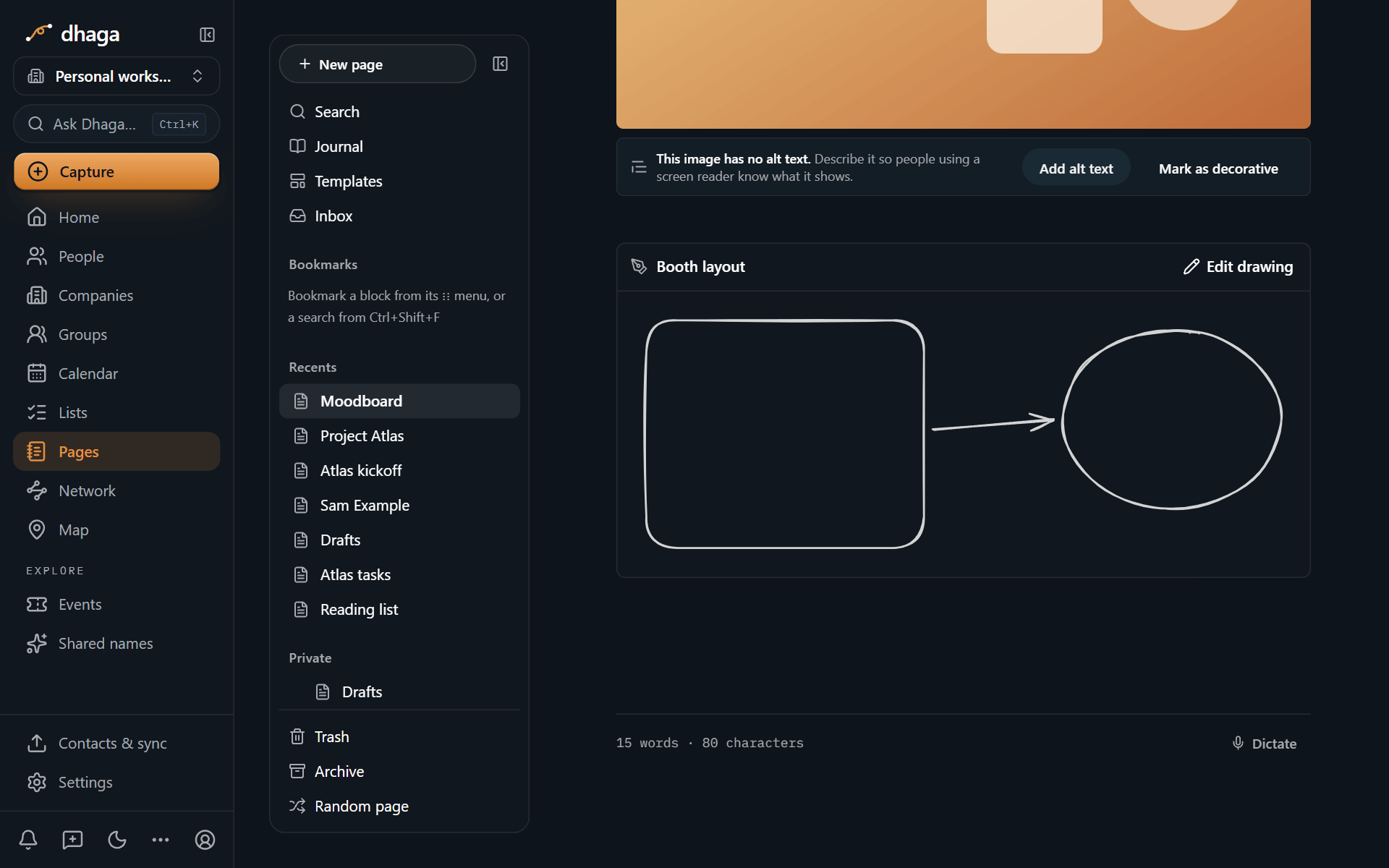
Type /drawing to add a drawing block, built on Excalidraw. Draw shapes, arrows and freehand lines, add text, and the sketch is saved with the page like any other block. The drawing tools load the first time you open a drawing, so pages without one stay fast.
Lay out ideas on a canvas
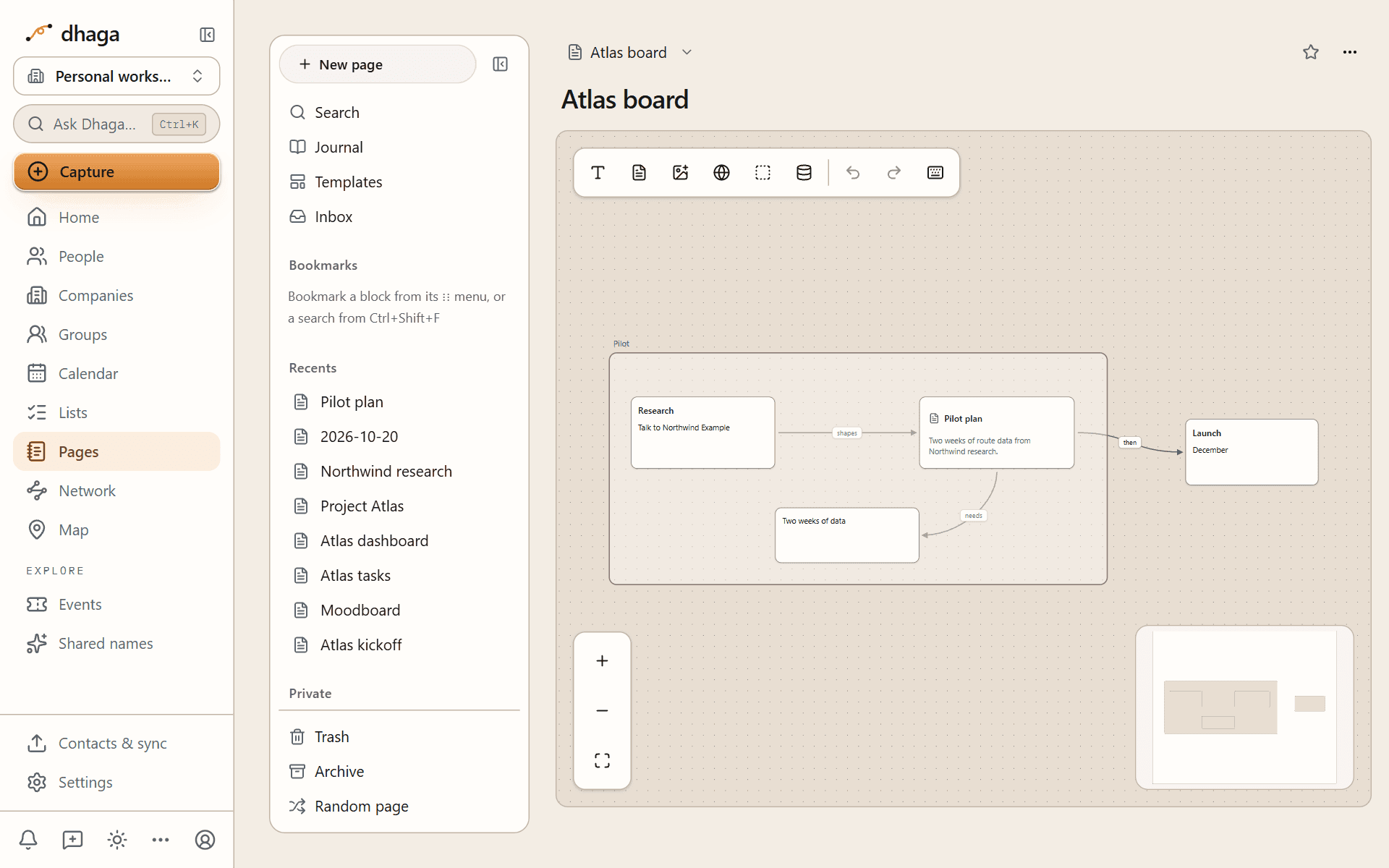
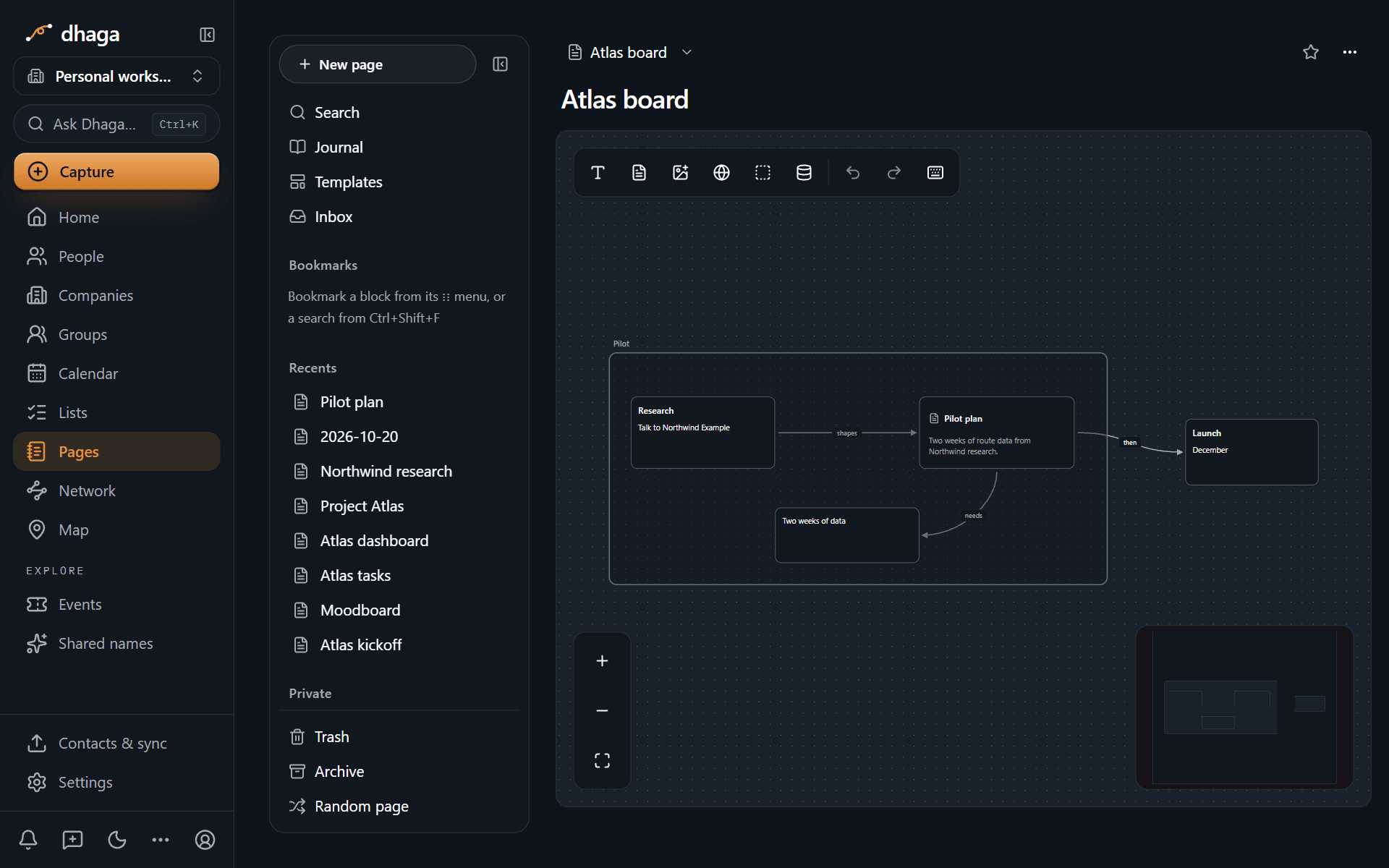
Create a canvas from New page → New canvas. Pan by dragging the background, zoom with the scroll wheel or a pinch, and add cards from the toolbar:
- Text card: write straight onto the canvas.
- Page card: show one of your pages.
- Media card: an image, GIF, video, PDF or file you uploaded.
- Web card: a website. Like every embed, it loads only when you click it.
- Group: a labelled area that holds other cards and moves them together.
- Database view: a live table, board or other view of one of your databases.
Drag from the edge of one card to another to draw a line between them. Give a line a label, such as "depends on", and a colour. You can also give a group a background image. A canvas holds up to 1,000 cards and 2,000 lines.
A canvas counts as a link: a page you put on a canvas lists that canvas in its backlinks. To show a canvas inside another page, type ![[Canvas name]]: the board appears as a read-only preview (drag to pan, pinch to zoom) with an Open canvas button. On a published page a canvas embed shows as a placeholder, because boards have no public view; link to it with [[Canvas name]] instead.
Move canvases to and from Obsidian
Canvases follow JSON Canvas 1.0, the format Obsidian's Canvas uses:
- Import: add a
.canvasfile on the import screen, on its own or inside an Obsidian vault. Cards that point at notes in the same vault become page cards. Inside an open canvas, Canvas options → Import .canvas file… lets you replace the canvas or add the file's cards to it; the file can be up to 4 MB. - Export: Export as .canvas in the canvas options saves a
.canvasfile, and the Obsidian vault export includes every canvas.
Lock canvas in the same menu stops changes until you unlock it. Undo and redo, aligning and spacing cards, and keyboard shortcuts are all in the toolbar and the Keyboard shortcuts list.
Media and embeds
Add images, GIFs, video, files, PDFs, bookmarks and embeds to a page. Files are up to 4 MB each, and embeds load only when you click them.
Databases and views
Build databases whose rows are pages: typed properties, relations to your contacts, ten kinds of view, filters, templates, buttons and automations.