Pages: the page behind every person you meet
By Anchit Shrivastava ·
Notion- and Obsidian-style pages, databases, a daily Journal and a canvas, next to your people, meetings and follow-ups. Private by default, yours to export.
Most of what you know about the people you work with never reaches a CRM. It lives in a notes app, a document called "Q4 partners", a notebook. The contact record says who someone is. The notes that say why they matter live somewhere else.
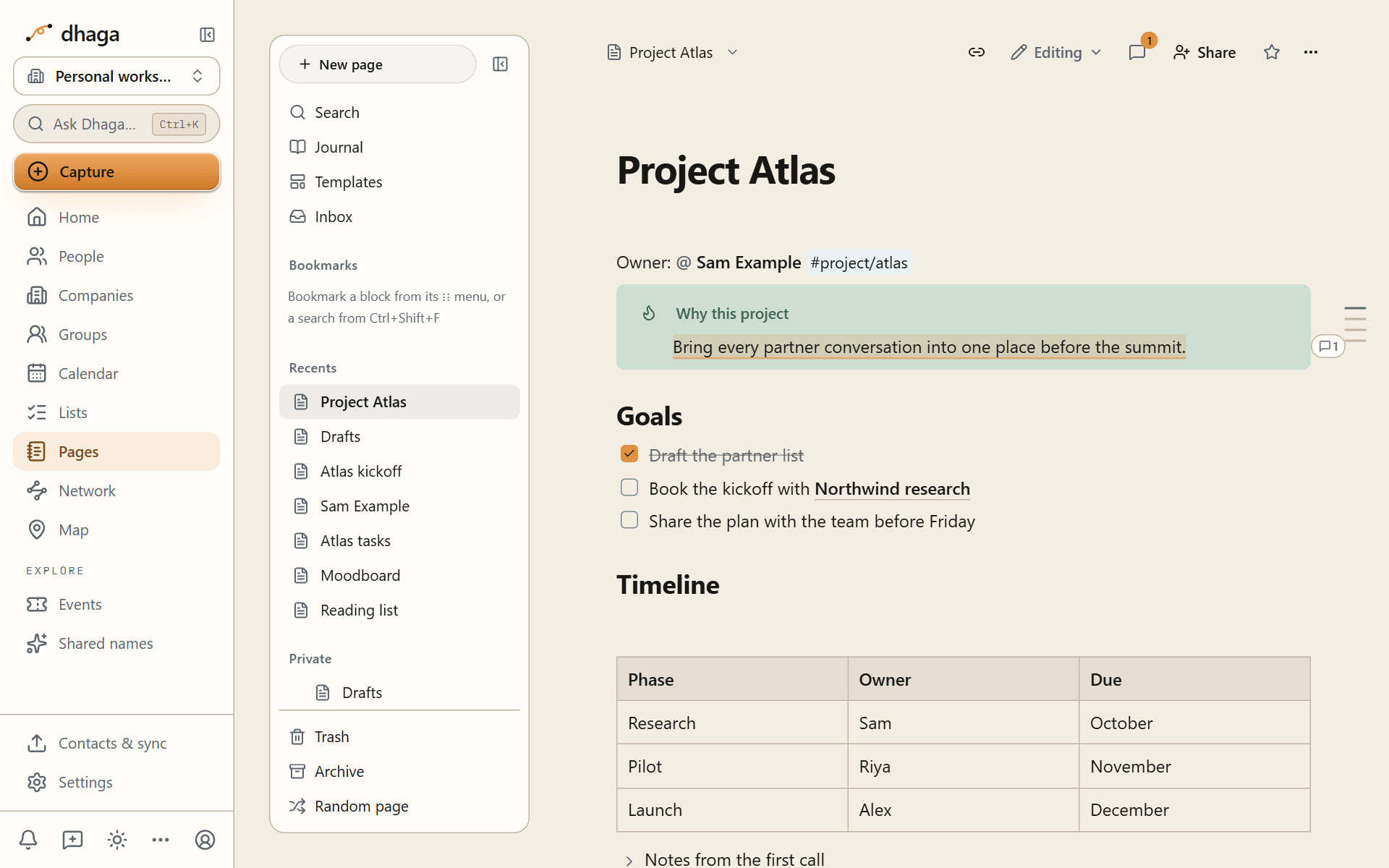
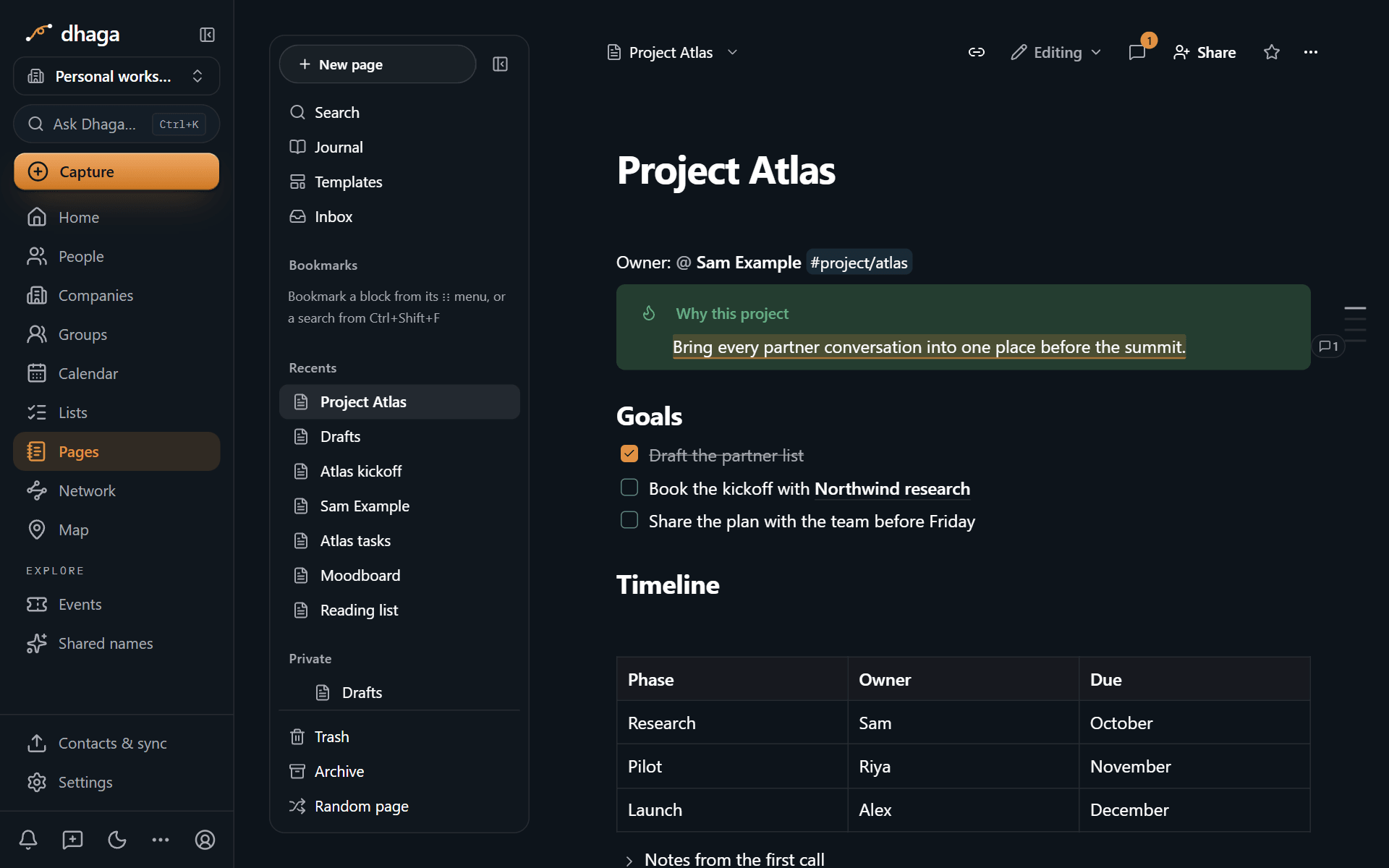
Pages closes that gap. It is a writing workspace inside Dhaga, in the spirit of Notion and Obsidian: pages, databases, a daily Journal, a canvas, wikilinks, backlinks and a graph. The difference is what your pages link to. The people, companies, events and groups in your network are link targets like any page, so the notes about a relationship sit right next to it.
Who it is for
People whose work runs on relationships: founders talking to investors, customers and candidates in the same week, executives who need to remember what was promised at the last board meeting, and sales and partnerships teams working a long list of accounts.
Before, during and after a meeting
Before. Open today's Journal. Its Your day block shows your meetings, the follow-ups due today and the people you met or wrote about, read live from the rest of Dhaga. On Pro and Power, Draft with AI can write a meeting-prep page from what Dhaga already knows about the person. You read the draft before anything is saved.
During. Type @ and a name. The mention opens that person's profile, and the
profile lists every page that mentions them. If you want it, an AI meeting notes
block transcribes as you talk and writes a summary and action items when you
stop. The audio is never stored: it becomes text and is discarded straight away.
After. Turn an action item into a follow-up and it appears in your Plan and your daily brief. The next time you open that person, the page you wrote is one tab away.
Links that go both ways
Link pages with [[, and every link works in both directions: the page you link
to lists the pages that link to it. Turn on the Pages layer in Dhaga's network
graph and your pages appear beside the people and companies they mention. There
is one graph, not a second one for notes.
Databases, when a list needs structure
A database is a page whose rows are pages. Track a fundraise, a hiring pipeline or an account plan with typed properties, relations to your contacts, and the view that suits the question: table, board, gallery, calendar, chart, timeline or map.
A canvas for plans that do not fit in lines
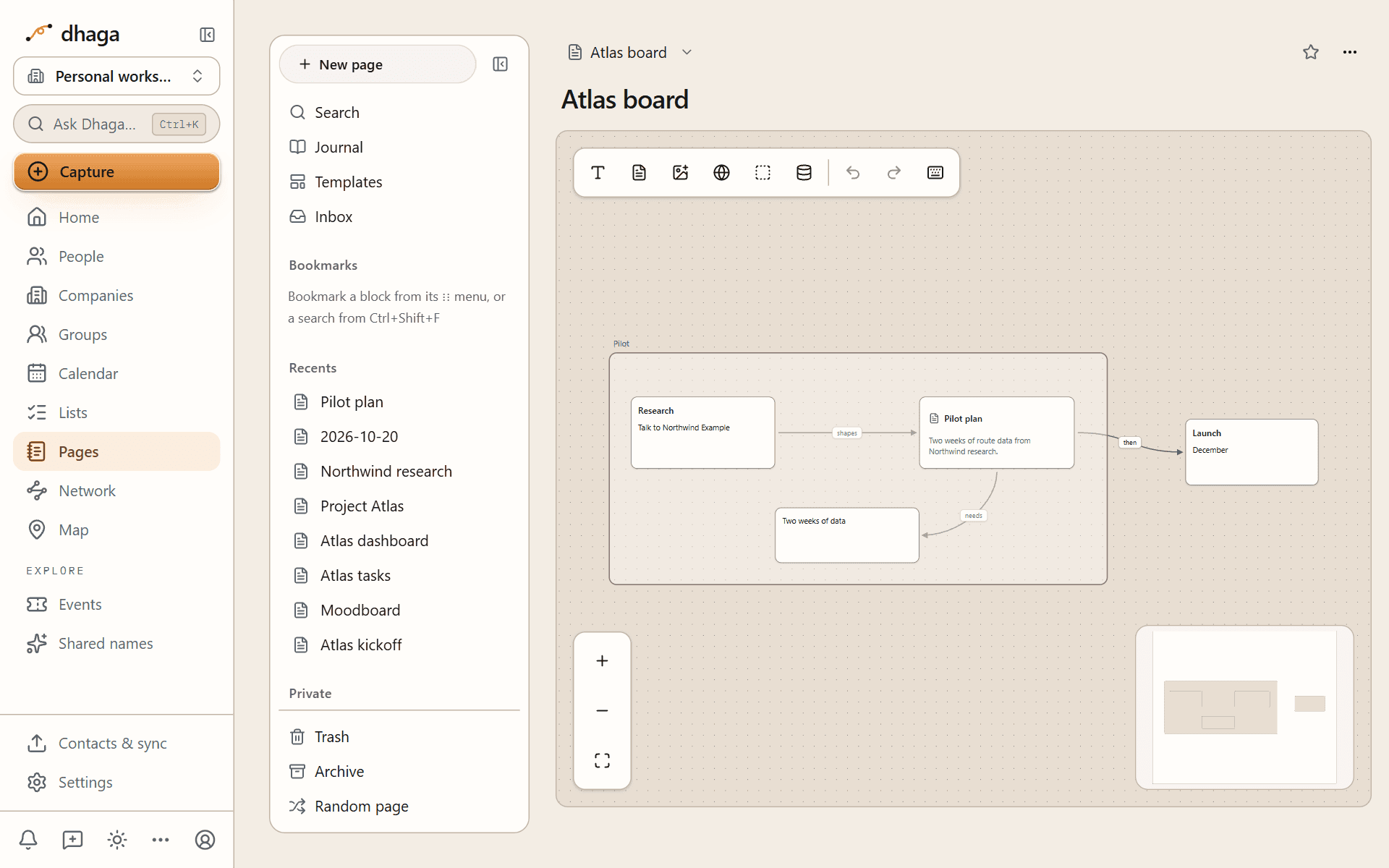
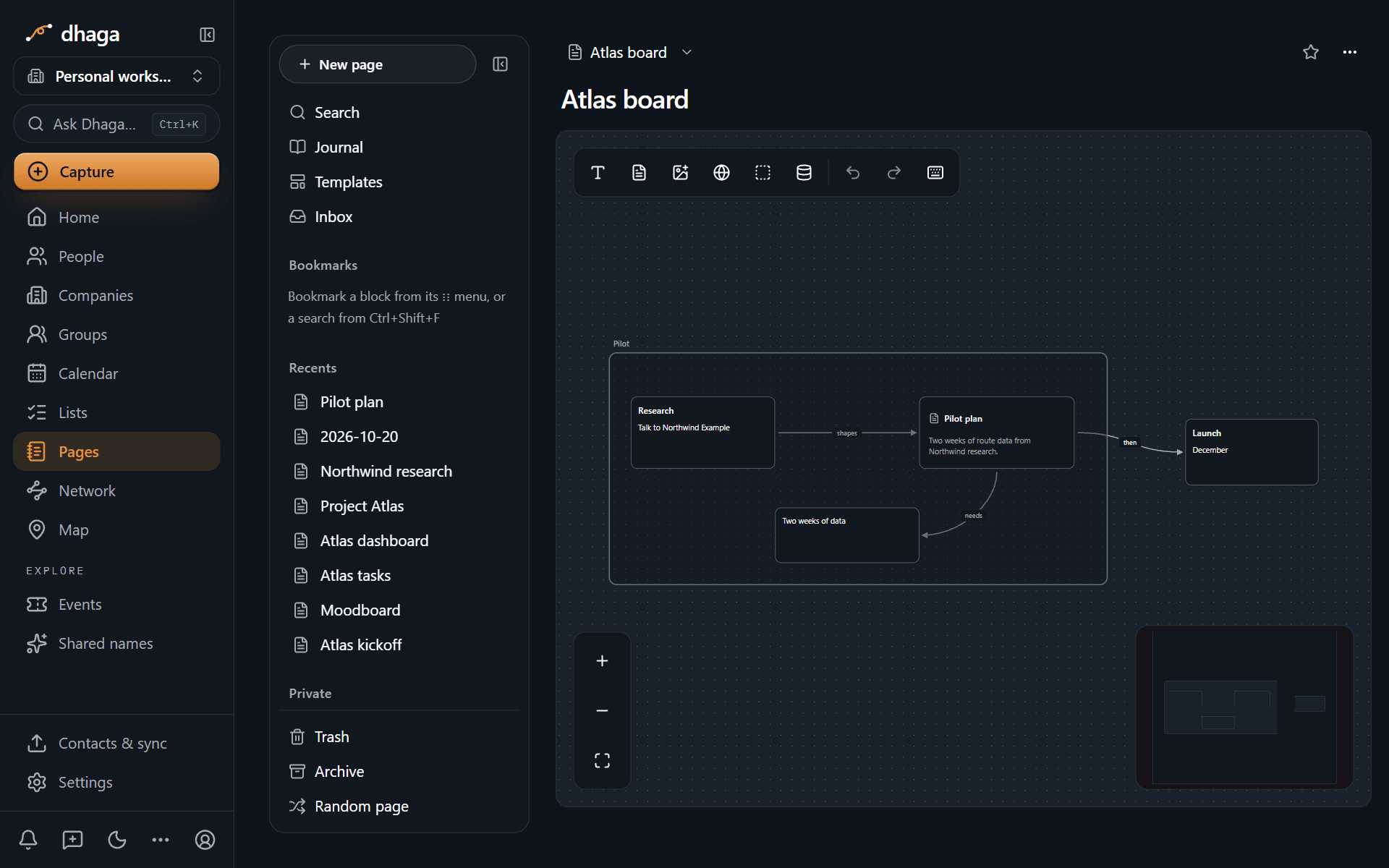
A canvas is an open board where you place cards for pages, notes, images and websites, group them, and join them with labelled lines. Plan a growth strategy, a launch or a reorg. You draw it; the pages on the board stay linked to everything else.
Bring your notes, leave whenever you like
Import an Obsidian vault, a Notion export, Markdown, Word documents or spreadsheets. Links are reconnected, and if your old notes kept a page per person, Pages offers to match each one to a contact you already have. Export works the other way at any time: one page as Markdown, HTML or PDF, or everything as a zip that Obsidian opens as a vault, links intact. Export is never limited by plan.
Private until you say otherwise
What you write in Pages is often about other people, so we built it to hold as little about them as it can.
- Every page starts private. Only you can see it.
- You choose what to share. Invite a guest, share with your organization, or publish a read-only link. On a public link, people you mention appear only as plain names or initials, never with details from your contacts.
- A mention stores a reference, not a copy of anyone's name, email or phone number.
- AI runs when you ask. Writing, linking and searching use no AI credits.
Every Pages feature is on every plan, including Free; plans differ in storage, history and a few controls. Pages is part of the web app today. The Dhaga mobile app does not have it yet, though the web app works in a phone's browser.
Start in two minutes
- Open Pages from the app's navigation, then Journal.
- Type
@and the name of someone you are meeting this week. - Write the three things you want to remember about them.
Next time you open their profile, the page is there.
What's next
We would rather hear what you need than announce what we are imagining. If something you rely on in Notion or Obsidian works differently here, tell us where it gets in your way. The feedback button beside the notification bell reaches us directly.
Read more
- Pages overview
- Journal and templates
- Links, mentions and backlinks
- Databases and views
- Drawings and canvas
- Import and export
- Privacy in Pages
Discussion
General
The story behind Dhaga and the ideas that shape it — why an AI-native personal CRM, and why you should own your own relationship data.
Dhaga speaks first
Your daily summary now arrives at a time you choose, and nudges land before the meeting. Plus search on every table and notes while you add a person.